Console.ReadLine and other read methods block the current thread until the user enters input. Sometimes you need to cancel the read operation when a condition is met, such as after a timeout or in response to an event.
Windows provides a function to cancel an I/O request: CancelIoEx. To use it, you need the handle of the I/O stream. In this case, it is the console input stream handle, which you can obtain with GetStdHandle using the STD_INPUT_HANDLE constant. Combining these two functions makes it straightforward to cancel a pending read. Once canceled, Console.Read throws an exception that you need to handle. Depending on the read method used, catch either InvalidOperationException or OperationCanceledException.
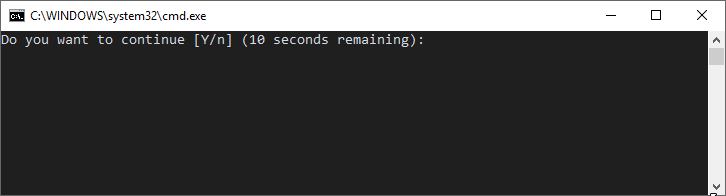
The following code starts a 10-second timer and calls Console.Read. If the user does not enter anything in time, the timer cancels the I/O request:
C#
class Program
{
    const int STD_INPUT_HANDLE = -10;

    [DllImport("kernel32.dll", SetLastError = true)]
    internal static extern IntPtr GetStdHandle(int nStdHandle);

    [DllImport("kernel32.dll", SetLastError = true)]
    static extern bool CancelIoEx(IntPtr handle, IntPtr lpOverlapped);

    static void Main(string[] args)
    {
        // Start the timeout
        var read = false;
        Task.Delay(10000).ContinueWith(_ =>
        {
            if (!read)
            {
                // Timeout => cancel the console read
                var handle = GetStdHandle(STD_INPUT_HANDLE);
                CancelIoEx(handle, IntPtr.Zero);
            }
        });

        try
        {
            // Start reading from the console
            Console.WriteLine("Do you want to continue [Y/n] (10 seconds remaining):");
            var key = Console.ReadKey();
            read = true;
            Console.WriteLine("Key read");
        }
        // Handle the exception when the operation is canceled
        catch (InvalidOperationException)
        {
            Console.WriteLine("Operation canceled");
        }
        catch (OperationCanceledException)
        {
            Console.WriteLine("Operation canceled");
        }
    }
}
Documentation:
Do you have a question or a suggestion about this post? Contact me!
