The default console colors were improved in the Fall Creators Update. Before that update, the blue color was barely readable:
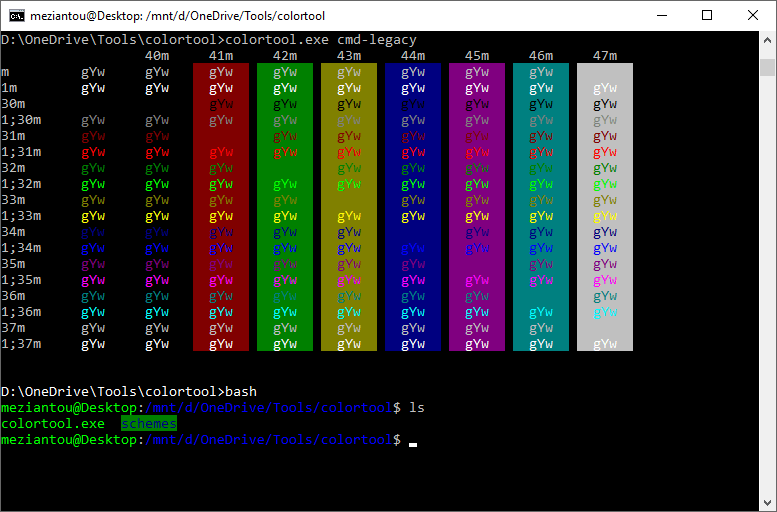
Microsoft also released a new tool to apply custom color schemes. Download the zip file from GitHub: https://github.com/Microsoft/console/releases. Extract the archive and open a command prompt in that folder. You can then apply a color scheme with a single command:
Shell
colortool.exe -b campbell
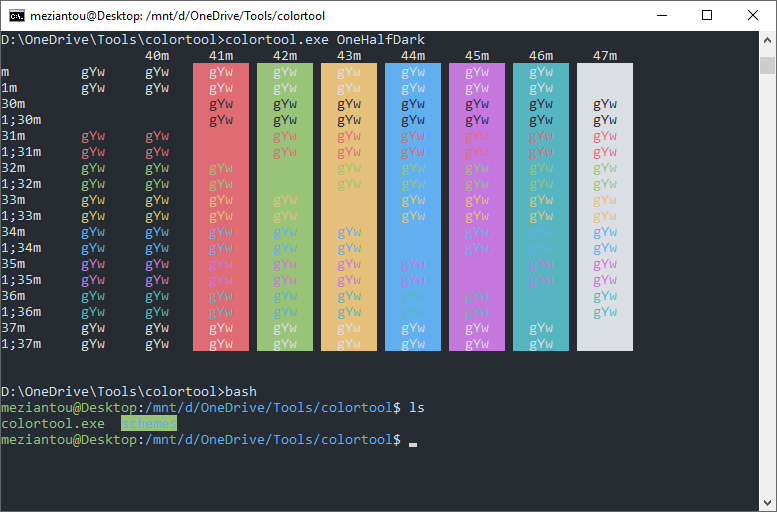
Several themes are included out of the box:
- Campbell
- Campbell-legacy
- cmd-legacy
- deuteranopia
- OneHalfDark
- OneHalfLight
- solarized_dark
- solarized_light
For example, solarized_dark:
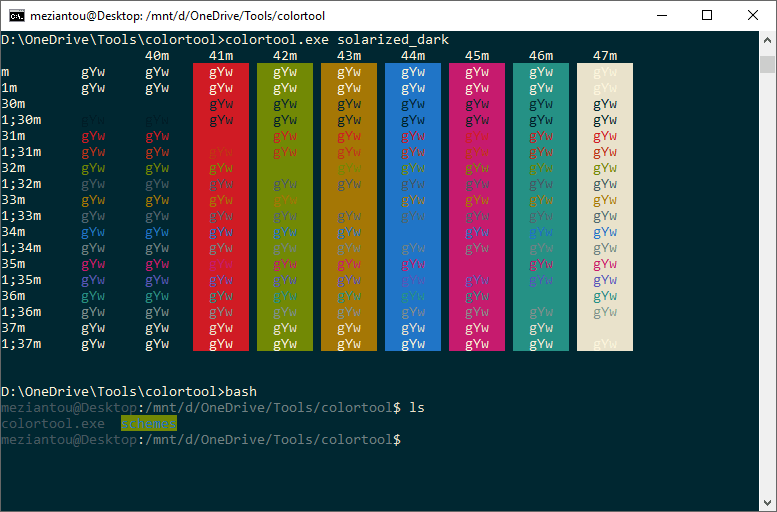
You can also download custom themes from the internet. Place the .itermcolors files in the themes directory and apply them with colortool.exe -b <filename>. GitHub has many .itermcolors files available, such as iTerm2-Color-Schemes or iterm-colors.
Here are the two announcements from Microsoft:
You'll also find useful tips about the console in the following post.
Do you have a question or a suggestion about this post? Contact me!
