If you edit a GitHub Actions workflow on GitHub, you get auto-completion to discover available options and catch errors.
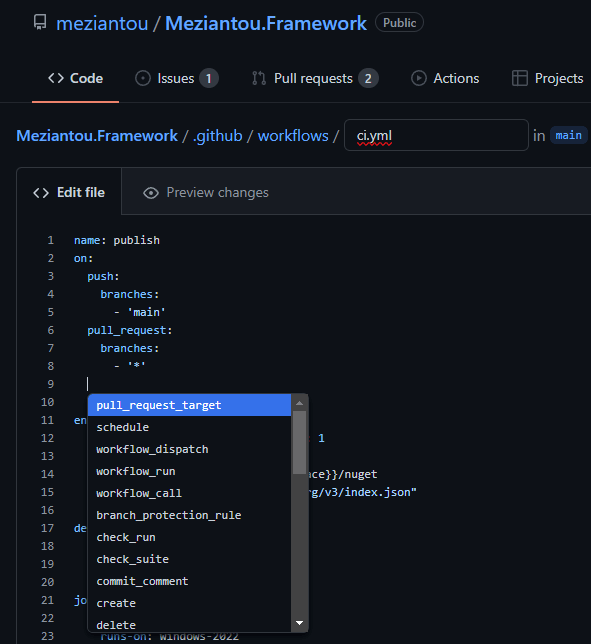
I rarely use the GitHub web editor and prefer VS Code instead. By default, VS Code does not support IntelliSense for GitHub Actions workflows, but you can enable it with an extension.
First, install the YAML extension developed by Red Hat. Then, you can edit each file to add the following comment:
YAML
# yaml-language-server: $schema=https://json.schemastore.org/github-workflow.json
name: Publish Site
on:
# ...
Or you can configure VS Code to automatically assign the schema to all GitHub Actions workflow files. Open the user or workspace settings (Ctrl+Shift+P) and select the "Settings (JSON)" entry.
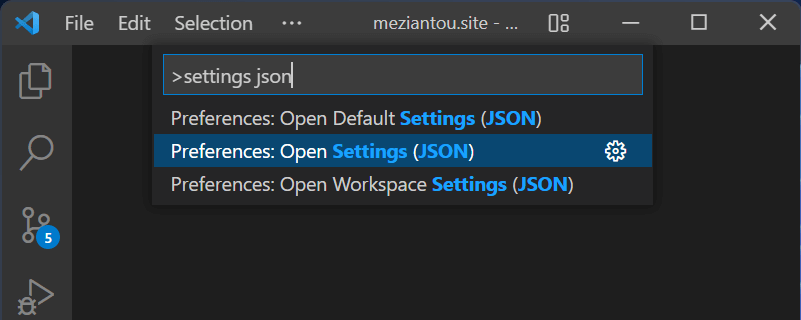
Then, add the following JSON to the settings file:
YAML
{
  "yaml.schemas": {
    "https://json.schemastore.org/github-workflow.json": "/.github/workflows/*.yml",
  },
}

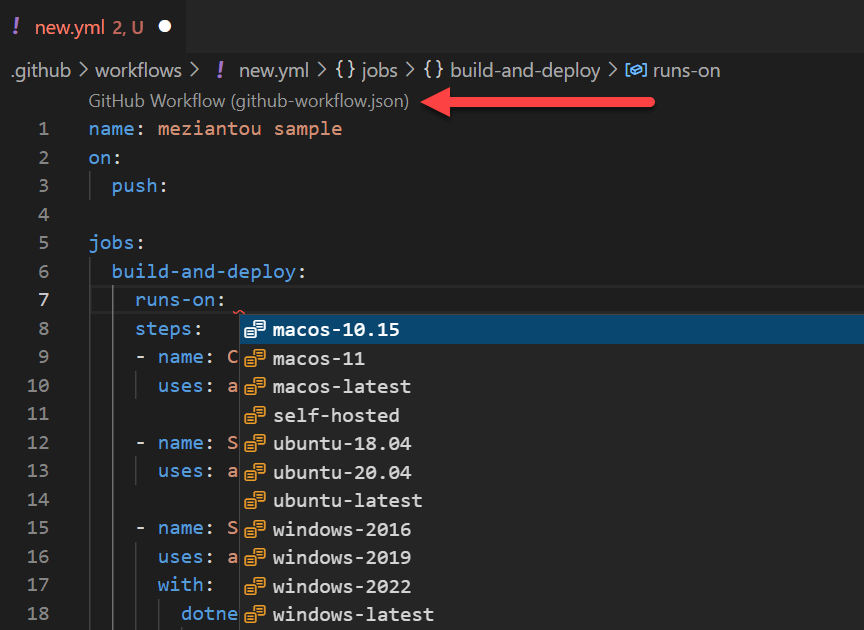
You can now open any workflow file and use IntelliSense. The active schema is shown at the top of the file:
Do you have a question or a suggestion about this post? Contact me!
