The default tree view settings in Visual Studio Code leave much to be desired. The indentation is too small and the indent guides are barely visible. Here's how to improve them:
Open the VS Code settings
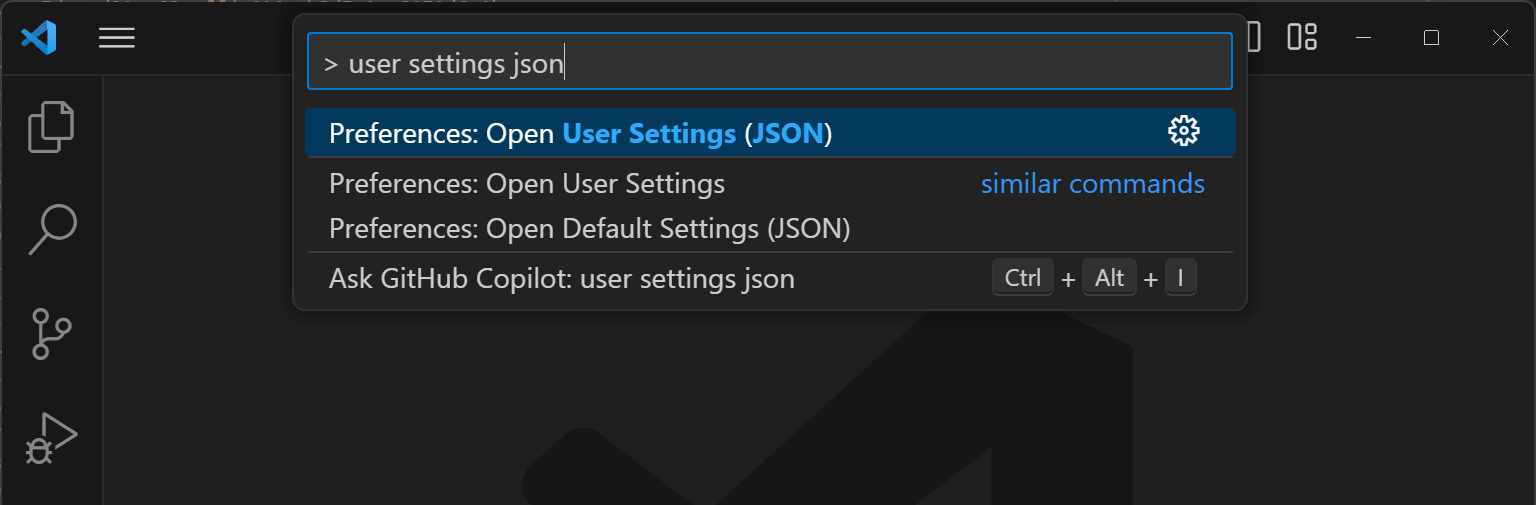
Add the following json content to the settings:
JSON
{
    "workbench.tree.indent": 15,
    "workbench.tree.renderIndentGuides": "always",
    "workbench.colorCustomizations": {
        "tree.indentGuidesStroke": "#05ef3c"
    }
}
You can see the sidebar with the default settings. On the right, you can see the sidebar with the improved settings.
 Tree view with default settings
 Tree view with improved settings
Do you have a question or a suggestion about this post? Contact me!
