In the blog post Per virtual desktop single-instance application, I introduced the IVirtualDesktopManager interface to detect whether a window is on the current virtual desktop. This post covers how to list all virtual desktops, which can be useful for letting users choose which desktop an application should appear on.
The IVirtualDesktopManager interface does not provide a way to list all virtual desktops. Instead, you can use the registry. The HKCU\SOFTWARE\Microsoft\Windows\CurrentVersion\Explorer\VirtualDesktops registry key holds a byte[] value containing the virtual desktop IDs. Read it 16 bytes at a time to extract each desktop's GUID. To get the desktop name, read the Desktops subkey, where each subkey is named after the desktop's GUID and contains a Name value. If the subkey is absent, the desktop has no custom name, so fall back to the default names Desktop 1, Desktop 2, and so on.
C#
static IReadOnlyList<(Guid DesktopId, string DesktopName)> GetWindowDesktops()
{
    var list = new List<(Guid, string)>();

    using var key = Registry.CurrentUser.OpenSubKey(@"SOFTWARE\Microsoft\Windows\CurrentVersion\Explorer\VirtualDesktops", writable: false);
    if (key != null)
    {
        if (key.GetValue("VirtualDesktopIDs") is byte[] ids)
        {
            const int GuidSize = 16;
            var span = ids.AsSpan();
            while (span.Length >= GuidSize)
            {
                var guid = new Guid(span.Slice(0, GuidSize));
                string? name = null;
                using (var keyName = key.OpenSubKey($@"Desktops\{guid:B}", writable: false))
                {
                    name = keyName?.GetValue("Name") as string;
                }

                // note: you may want to use a resource string to localize the value
                name ??= "Desktop " + (list.Count + 1);
                list.Add((guid, name));

                span = span.Slice(GuidSize);
            }
        }
    }

    return list;
}
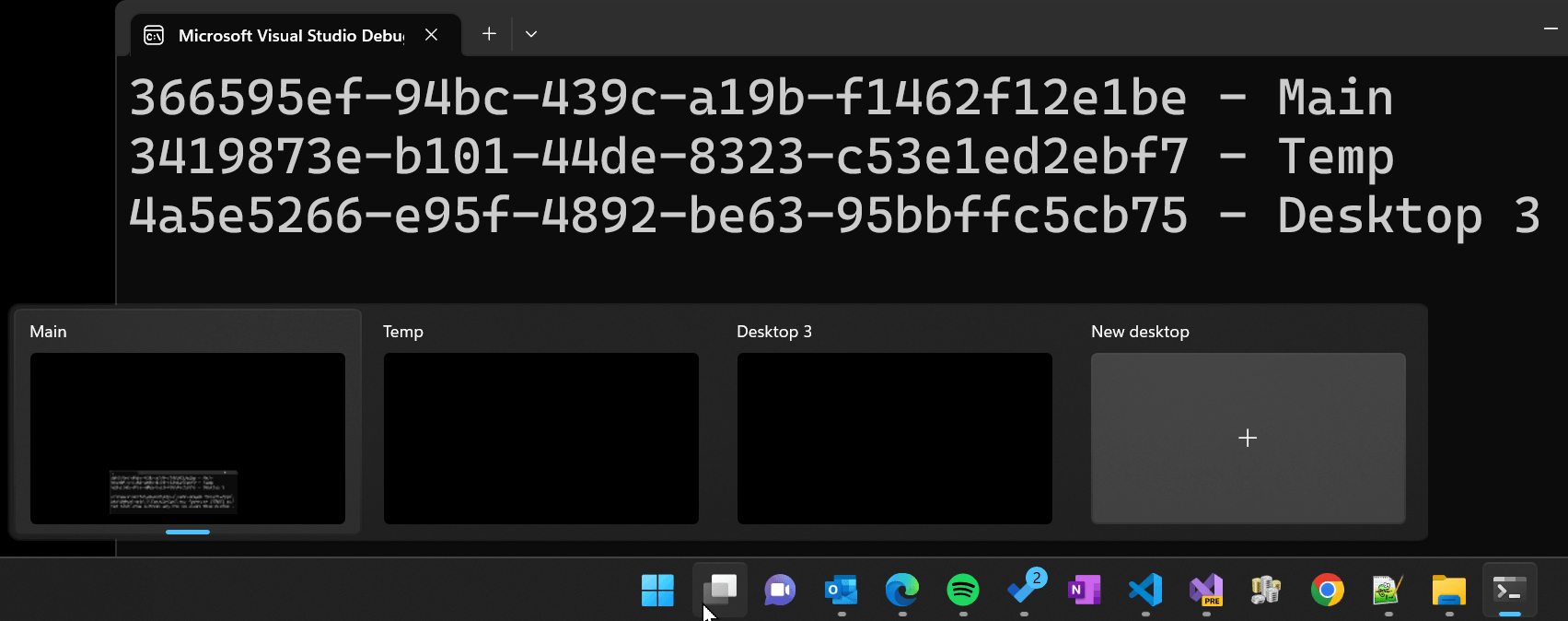
You can use this method:
Program.cs (C#)
foreach (var (id, name) in GetWindowDesktops())
{
    Console.WriteLine(id + " - " + name);
}
Do you have a question or a suggestion about this post? Contact me!
