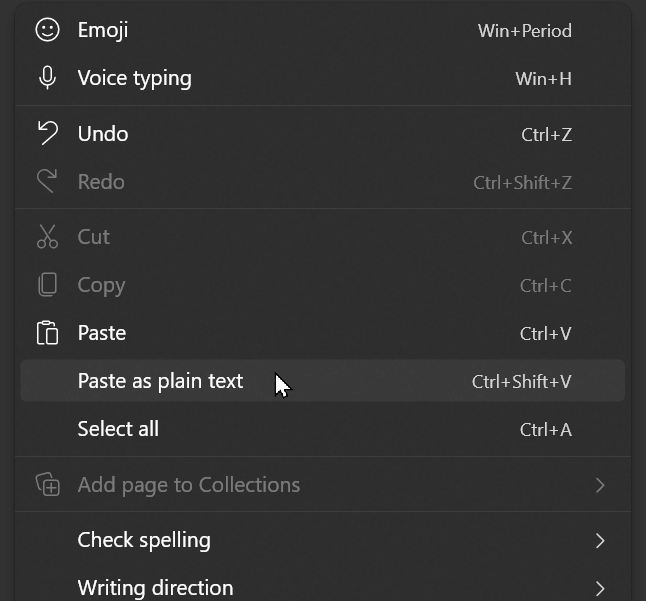
Google Chrome / Microsoft Edge: Ctrl + Shift + V
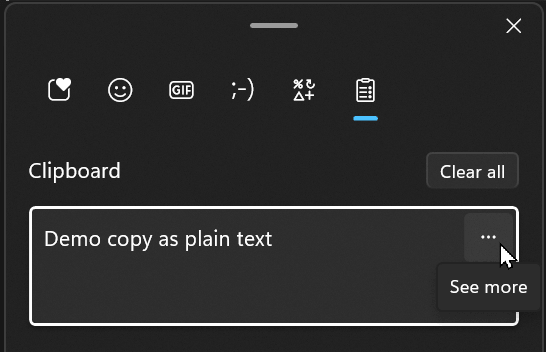
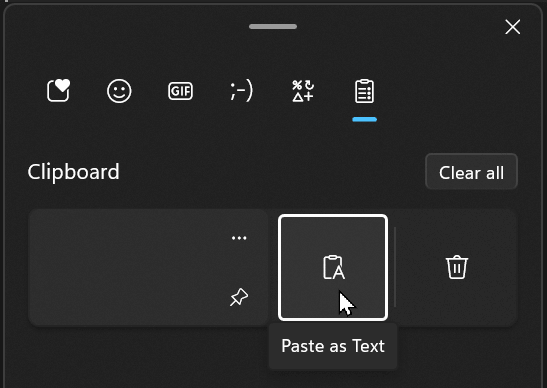
Windows: Win + V, then click "…" (see more), then "Paste as text". To navigate with the keyboard, press Tab then Enter to select the option:
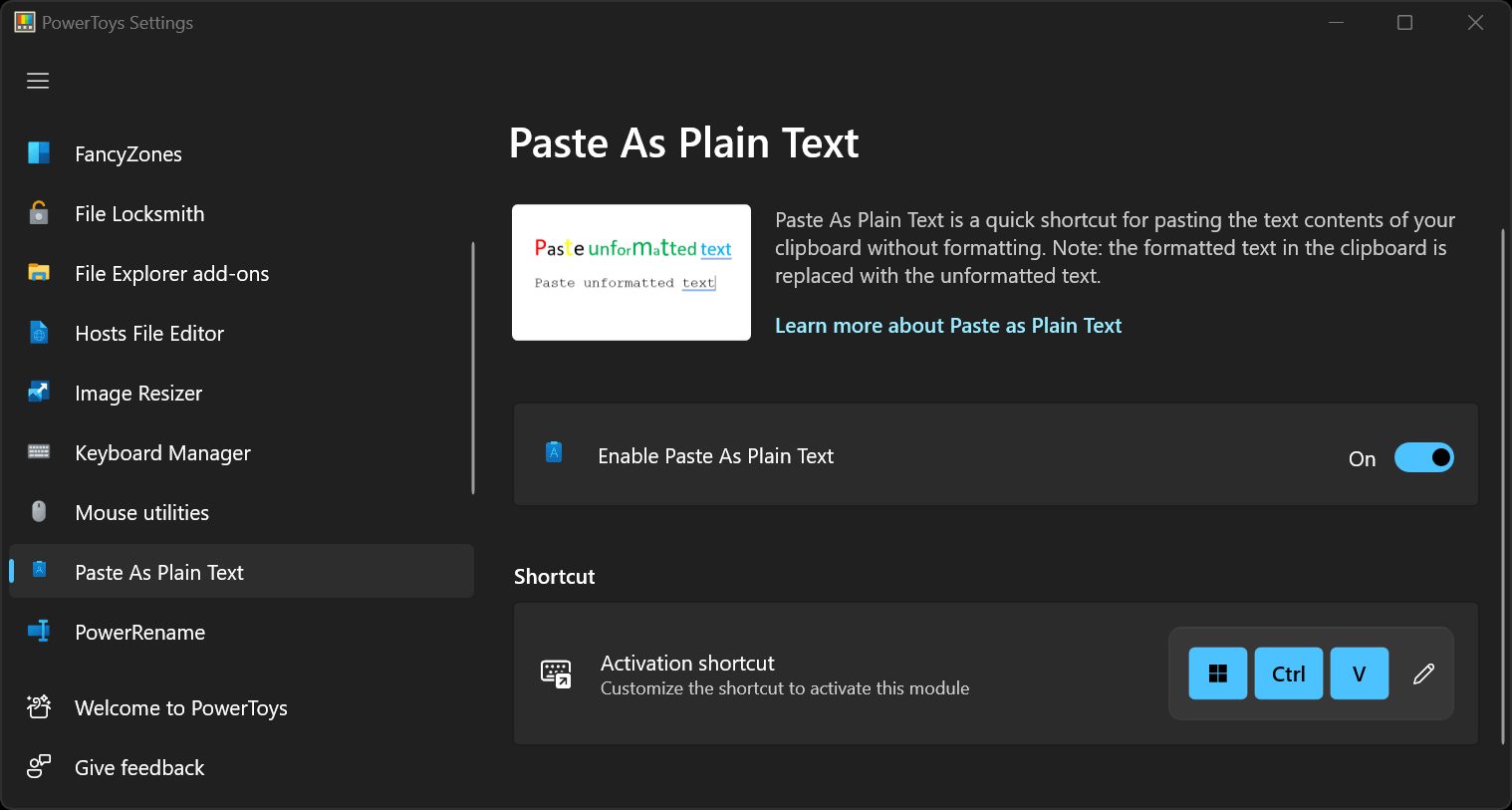
Using Windows PowerToys - Paste as Plain Text: Ctrl + Win + V
Note: You can change the shortcut in the settings.
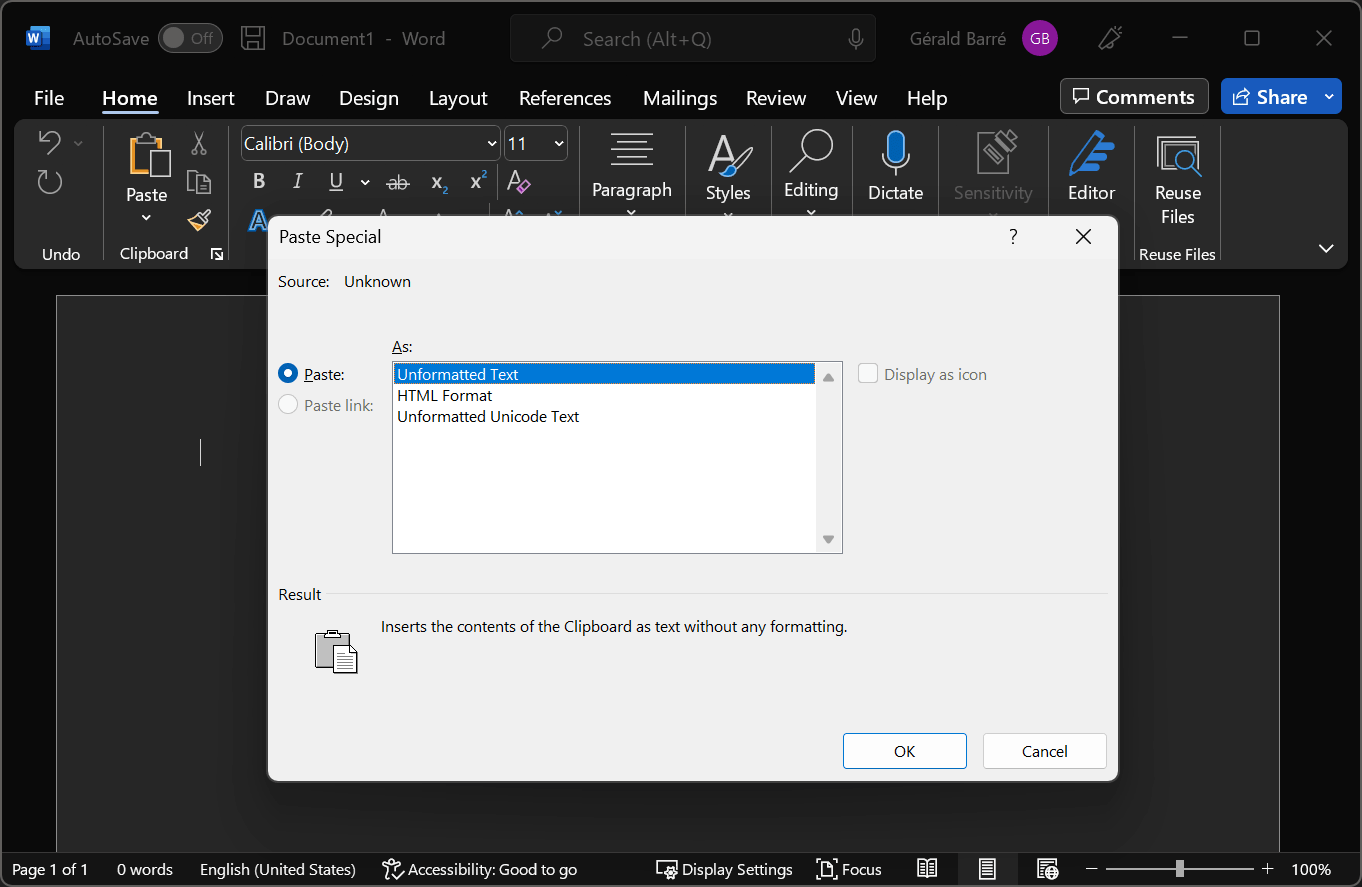
Microsoft Office (method 1): Ctrl + Alt + V, then select "Unformatted text"
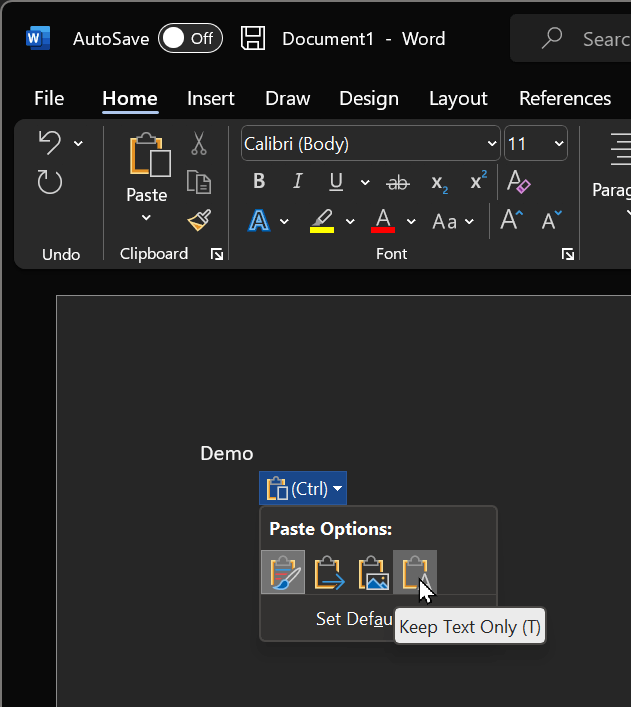
Microsoft Office (method 2): Ctrl + V, then Ctrl, then T
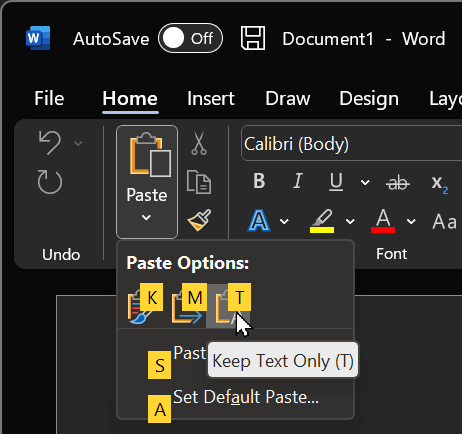
Microsoft Office (method 3): Alt, H, V, T
Paste the text into a text-only editor such as Notepad or the Run dialog, then copy it again to strip the formatting:
- Win + R, Ctrl + V, Ctrl + A, Ctrl + C, Esc, then Ctrl + V in the target application
- Open the search bar with Ctrl + F if the current app supports it, then repeat the steps above
- Open Notepad, then repeat the steps above
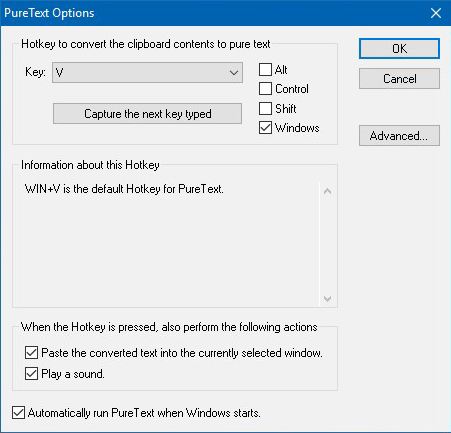
You can use an application such as PureText