When writing a .NET library, you may want to target multiple target framework monikers (TFMs). For example, you might target both .NET 6 and .NET Standard 2.0 to reach more applications. By targeting the latest supported framework, you can also use features like Nullable Reference Types. However, multi-targeting comes with challenges: some APIs and C# features are only available in newer TFMs. To handle these differences, you often end up with many #if directives, which hurt code readability. The following code illustrates this with Process.WaitForExitAsync, which is only available in .NET 6 and later.
C#
public async Task Sample()
{
    var process = Process.Start("sample.exe");

#if NET6_0_OR_GREATER
    await process.WaitForExitAsync();
#else
    process.WaitForExit();
#endif
}
This post explains how polyfills can eliminate most of those #if directives when targeting multiple TFMs.
#What is a polyfill?
A polyfill is a piece of code that replicates the functionality of a newer API or C# feature for older targets. For example, String.Contains(char) is not available in .NET Standard 2.0, but you can provide it as an extension method. When you call it in your library, the polyfill is used on older TFMs and the built-in method is used on newer ones.
#What can be polyfilled?
You can polyfill
- ✔️ New types (class, interface, struct, enum)
- ✔️ New instance methods by using extension methods
- ✔️ New static methods on existing types (C# 14)
- ✔️ New instance properties on existing types (C# 14)
- ✔️ New static properties on existing types (C# 14)
- ✔️ New operators on existing types (C# 14)
You cannot polyfill
- ❌ Features that require runtime support (e.g. Default interface methods, etc.)
- ❌ Constructors on existing types
- ❌ Static fields on existing types
- ❌ Constants on existing types
- ❌ Indexers on existing types
#How to install polyfills
Multiple NuGet packages provide polyfills:
I'll use the Meziantou.Polyfill package throughout this post (full disclosure: I'm the author), though the other packages listed above are great options too. 😉
Meziantou.Polyfill is a source generator that analyzes your code and injects only the polyfills you actually need. This means different TFMs receive different polyfills. For example, a .NET 6 target will not receive a polyfill for String.Contains(char), but a .NET Standard 2.0 target will.
At the time of writing, the package provides around 100 polyfills. These cover C# language features such as record types and ranges (array[1..2]), code-quality attributes such as [StringSyntax(StringSyntaxAttribute.Json)], LINQ methods such as Enumerable.Order, and new members on types like String, Stream, and ImmutableArray.
Note that polyfill implementations cannot always match the performance of the official .NET runtime code. In practice this is rarely a concern, and if performance is critical, you should probably avoid targeting older TFMs altogether.
Shell
dotnet add package Meziantou.Polyfill
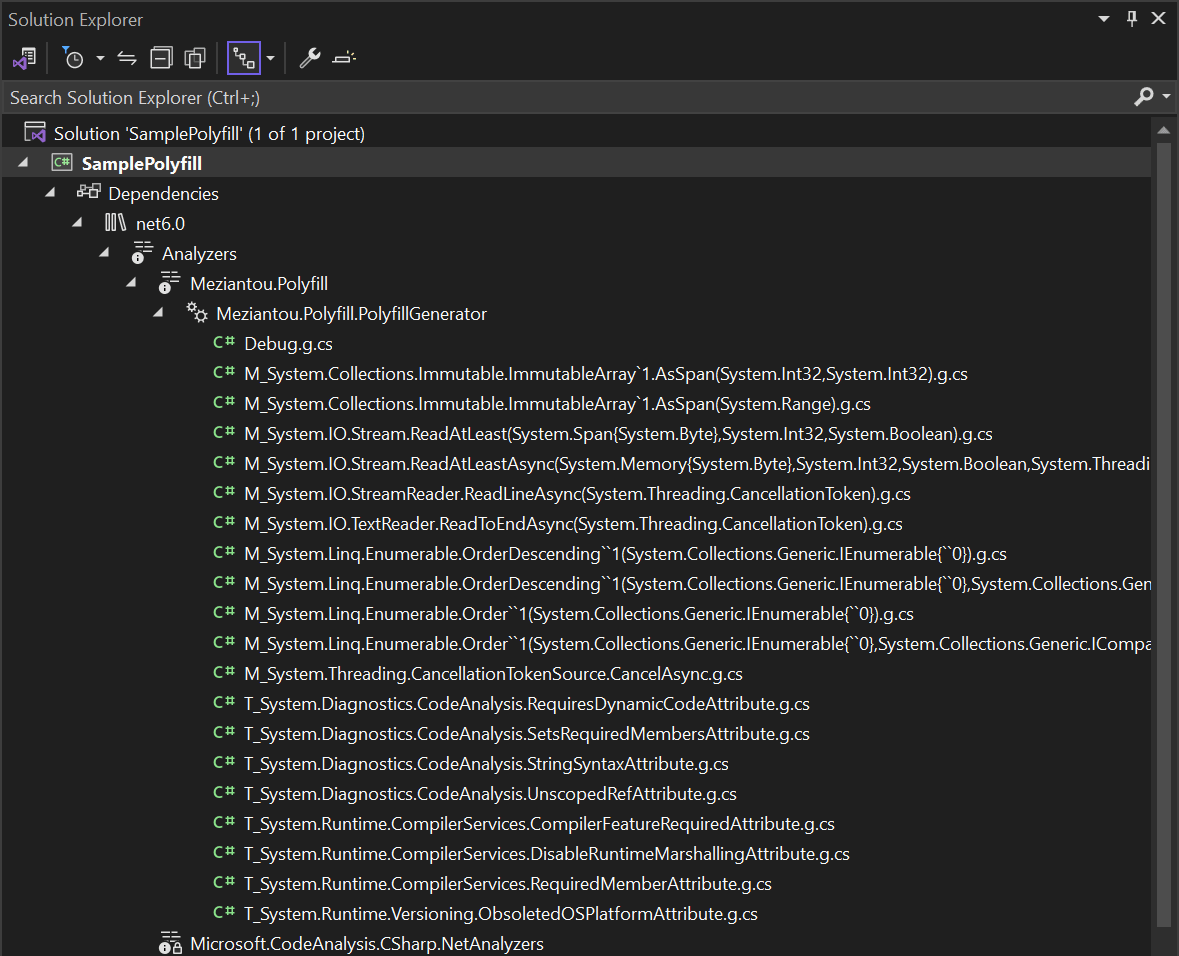
You can check which polyfills are generated by TFM in the solution explorer:
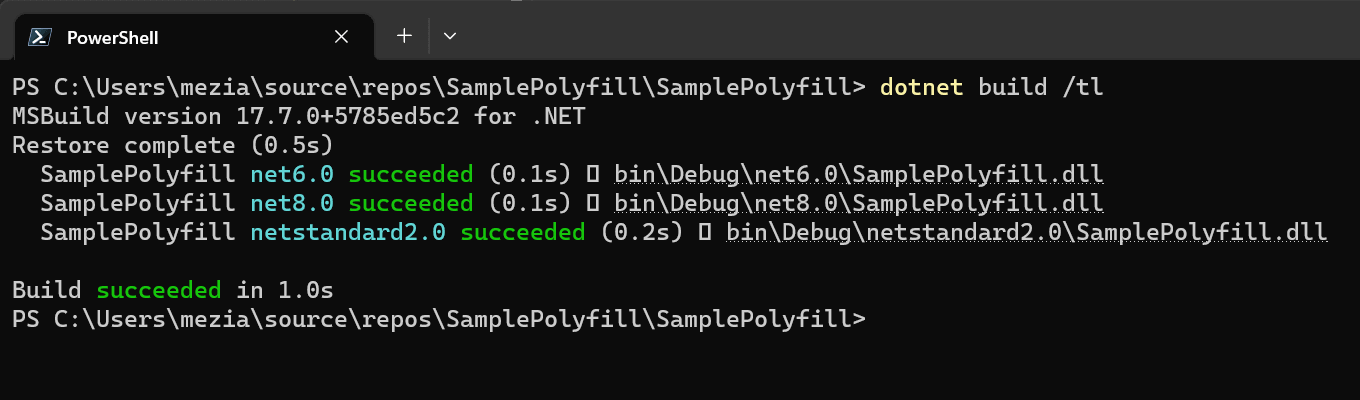
You can now rewrite the initial sample by removing the #if directives and the code will compile cleanly!
C#
public async Task Sample()
{
    var process = Process.Start("sample.exe");
    await process.WaitForExitAsync();
}
Do you have a question or a suggestion about this post? Contact me!
