Windows Error Reporting (WER) is a feedback infrastructure that collects information about hardware and software problems, reports it to Microsoft, and provides users with available solutions. WER triggers reports in response to system events such as application crashes or kernel faults.
By default, WER displays a dialog when an application crashes. In some contexts, such as automated testing or CI environments, you may want to suppress this popup.
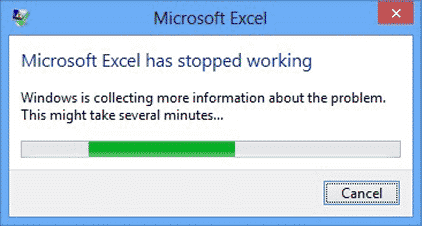
There are multiple ways to disable WER.
#Using PowerShell
Open PowerShell and run the following command:
PowerShell
Disable-WindowsErrorReporting
Documentation
#Using the registry
Copy the following content into a .reg file and run it:
Reg
Windows Registry Editor Version 5.00

[HKEY_CURRENT_USER\Software\Microsoft\Windows\Windows Error Reporting]
"Disabled"=dword:00000001
Documentation
Do you have a question or a suggestion about this post? Contact me!
