When editing code, you often need to expand your selection to include the surrounding context. For example, if your cursor is inside a string, you can select the entire string with a single keyboard shortcut.
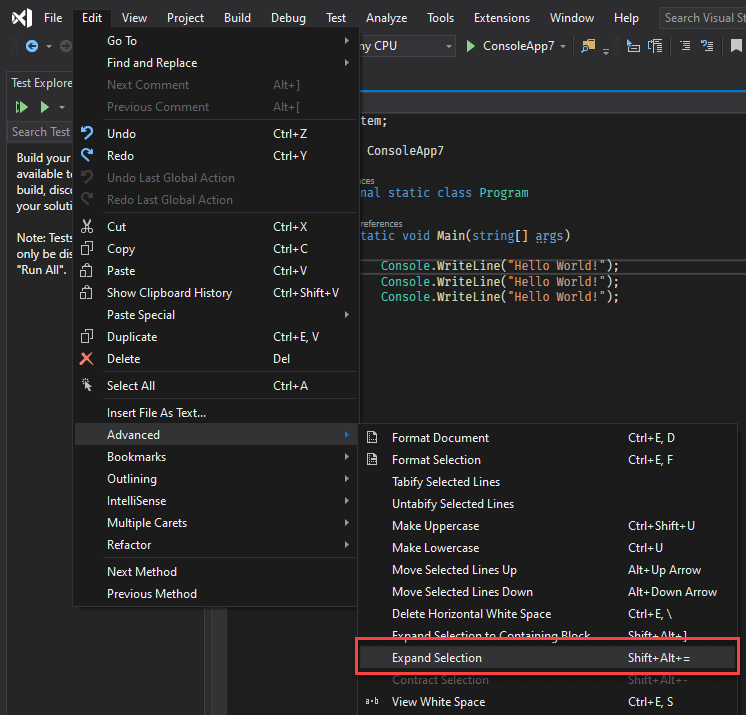
Press Alt+Shift+= to extend the selection and Alt+Shift+- to reduce it:
You can also select the containing block using ALT+SHIFT+].
This post is part of the series 'Visual Studio Tips and Tricks'. Be sure to check out the rest of the blog posts of the series!
Do you have a question or a suggestion about this post? Contact me!
