This post is part of the series 'Microsoft SQL Server 2016'. Be sure to check out the rest of the blog posts of the series!
SQL Server 2016 was recently released, so it's time to explore its new features. Today, we'll look at Stretch Database.
Stretch Database lets you archive tables containing historical data. For example, an Order table may contain both recent and older data. The idea is to keep recent data in the local database while archiving older rows in Azure transparently. SQL Server moves data automatically and queries both local and remote databases seamlessly. Note that Stretch Database currently migrates the entire table to Azure, so your schema must separate current data from historical data into two separate tables if you want to keep recent data locally.
This feature is completely transparent to users (queries remain unchanged), saving storage on your servers, though you do need to pay for Azure SQL.
To activate the feature, execute the following command:
SQL
EXEC sp_configure 'remote data archive' , '1';
RECONFIGURE;
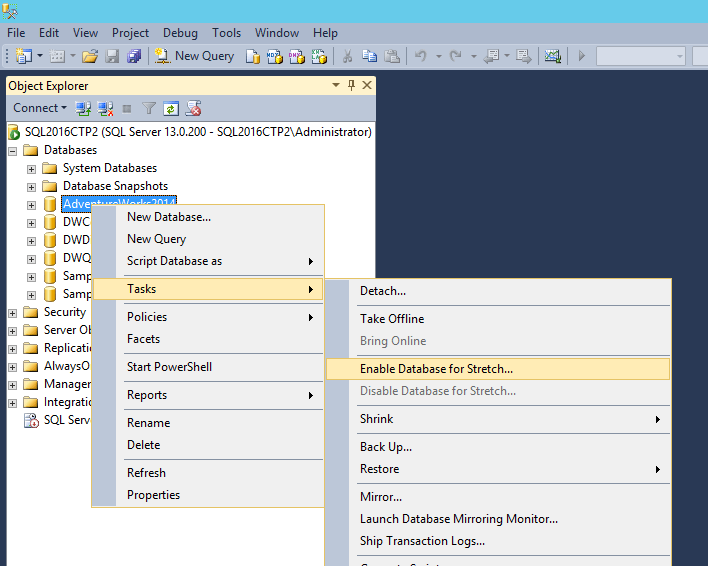
The easiest way to configure it is through the GUI. Start by enabling the feature at the database level:
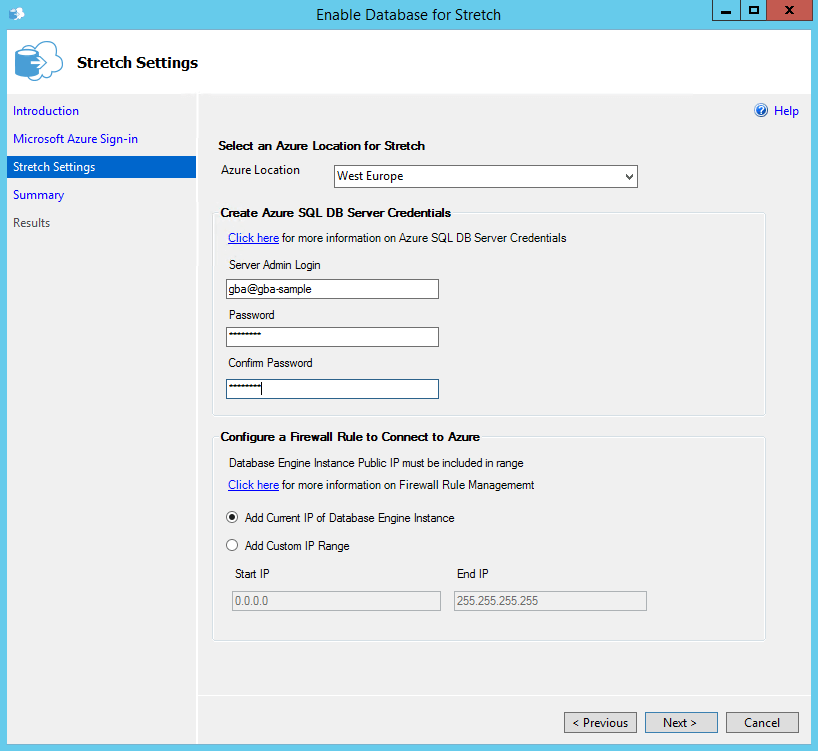
Log in with your Azure account and provide the details for the Azure database that will be created automatically:
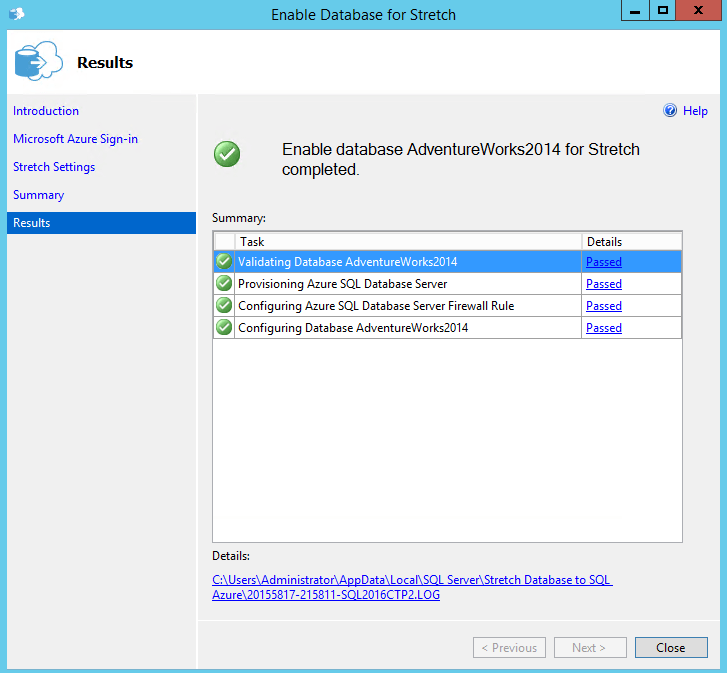
SQL Server then begins the configuration:
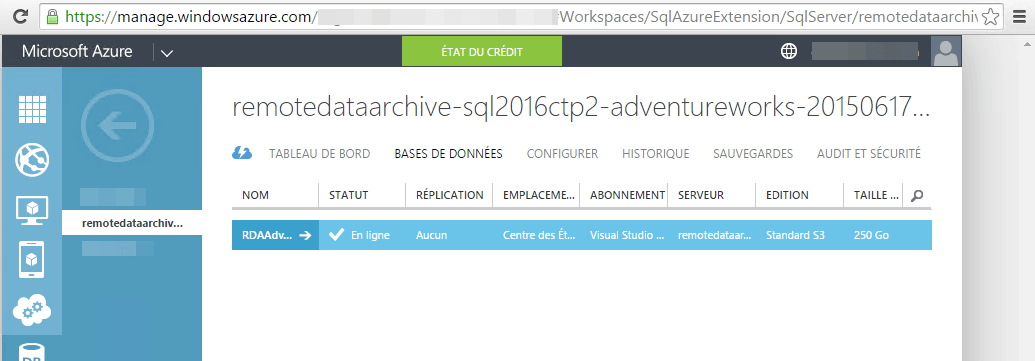
At this point, a new database is available in Azure:
Next, enable the feature on the desired tables:
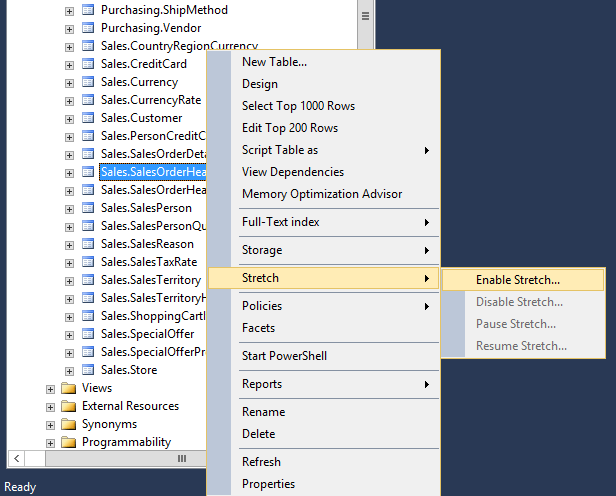
That's it, synchronization starts in the background. You can verify that the archive is working correctly by examining the execution plan:
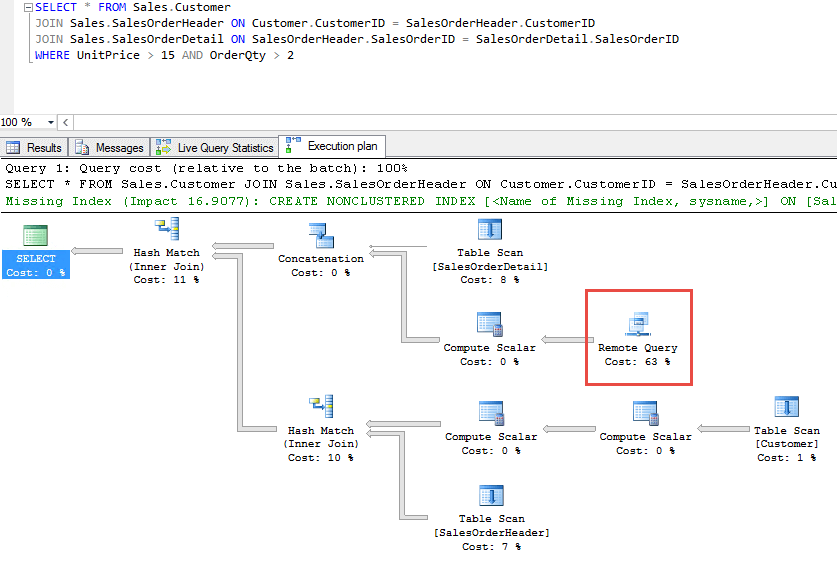
The query is identical to one run without Stretch Database. SQL Server loads data from both local and remote tables without any extra effort. Simply magical!
Do you have a question or a suggestion about this post? Contact me!
